Managing Clients and Sessions
Praxis Notes provides a comprehensive client management system that allows ABA professionals to organize client information, track sessions, and document progress effectively.
Client Dashboard
The client dashboard gives you a complete overview of all your clients in one place. From here you can:
- View a list of all your clients
- Add new clients to your practice
- Access individual client session records
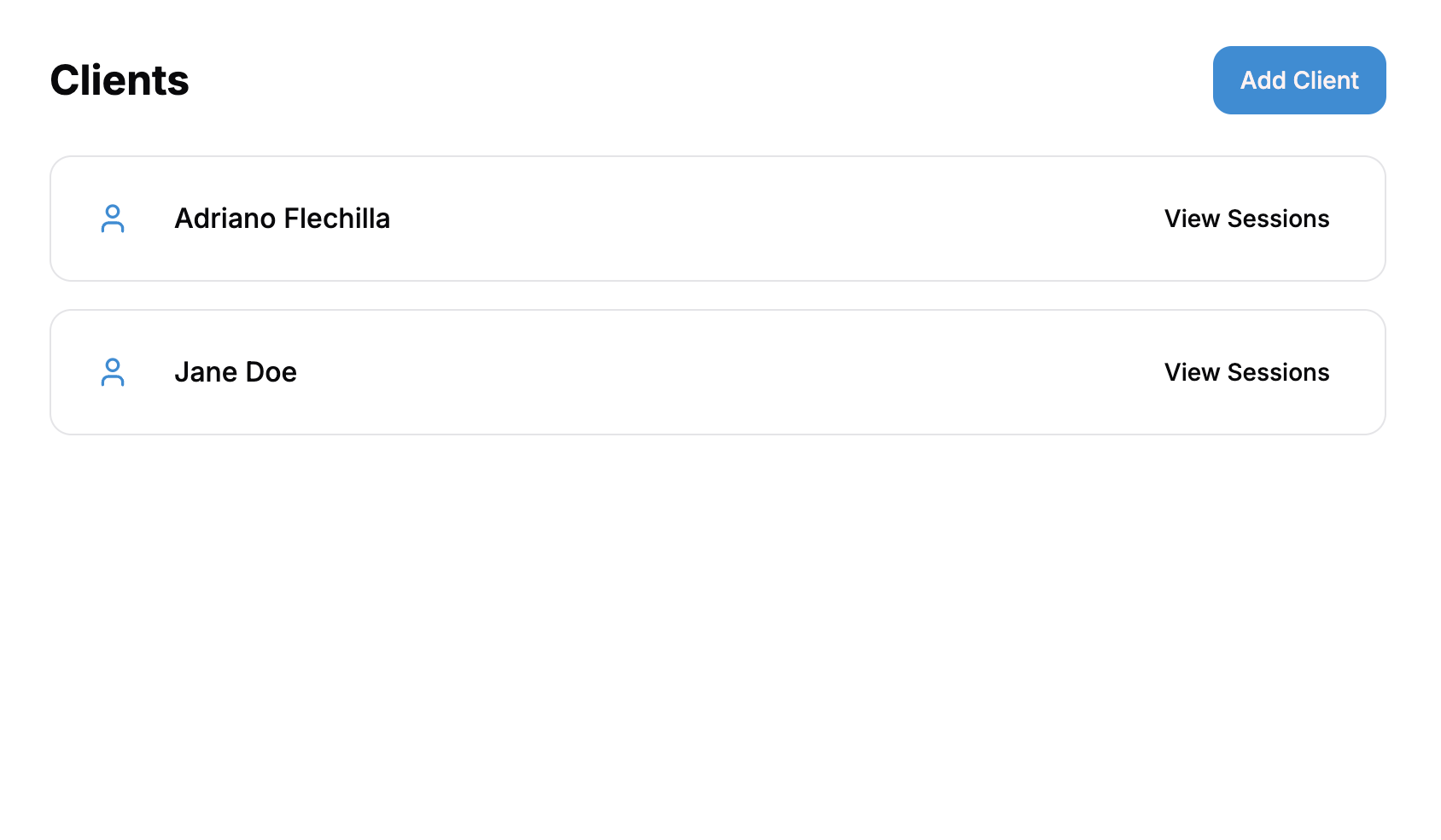
Viewing Your Client List
Your client list displays all active clients in your system. Each client card includes:
- Client name
- Quick access to view all sessions for that client
If you haven't added any clients yet, you'll see an empty state with a prompt to add your first client.
Accessing Client Sessions
To view a client's session history:
- Locate the client in your dashboard list
- Click the "View Sessions" button on the client's card
- This will take you to the complete session history for that client
Working with Client Sessions
The client sessions view allows you to:
- See all previous therapy sessions for a specific client
- Generate new session notes
- Track progress across multiple sessions
Session Management Features
- Session Timeline: Review all sessions in chronological order
- Session Details: Access comprehensive notes for any previous session
- Generate New Notes: Create new session documentation with AI assistance
- Export Options: Download or share session reports with stakeholders
Client Data Security
All client information in Praxis Notes is:
- Protected by end-to-end encryption
- HIPAA compliant
- Securely stored with strict access controls
- Regularly backed up to prevent data loss